Wi-Fi, TV & Smart-Home Setup for Your New Home


By the FindYourOneDayJob Team – tech help and one-day resources, updated 2026
Nothing kills the excitement of new gadgets faster than a smart home setup that will not cooperate: the TV that will not connect, the Wi-Fi that drops in the back bedroom, the smart lights stuck in setup mode. A local tech pro makes it painless, getting everything mounted, connected, and actually working in a single visit instead of a lost weekend.
This complete 2026 guide covers what a smart home setup helper can do, what it costs, how to fix bad Wi-Fi, and how to keep your connected home secure. Whether you just moved into a place in Austin or you are finally upgrading, here is how to get fully connected fast.
Affiliate disclosure: This article contains Amazon affiliate links. If you buy through them, we may earn a small commission at no extra cost to you. It helps keep guides like this free.
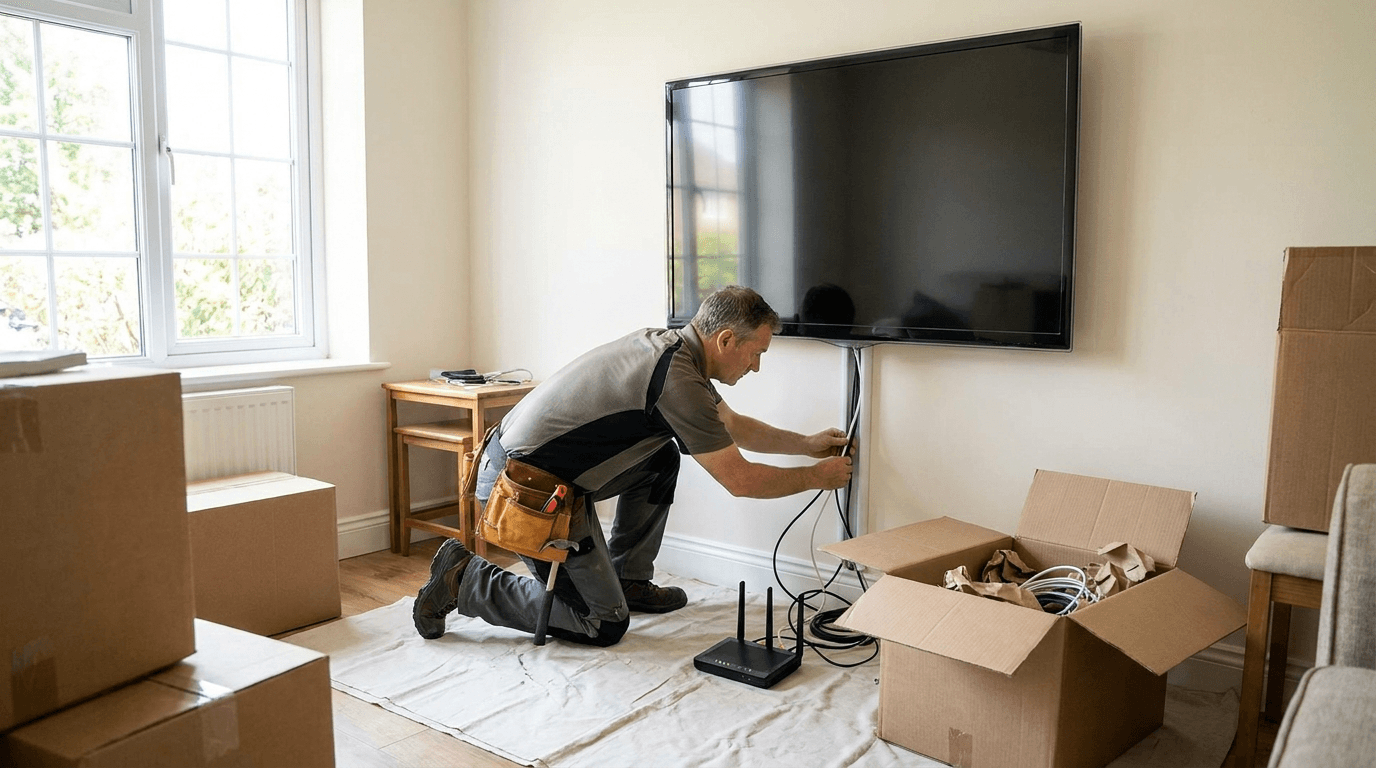
A local pro handles the whole smart home setup in one visit, so you do not have to wrestle with apps and manuals:
Most helpers charge by the hour, so a basic smart home setup is a short visit while a whole-home install takes longer. Booking one helper to do it all at once beats separate service calls for each device:
| Job | Example | Time |
|---|---|---|
| Quick setup | TV mount plus Wi-Fi | 1 to 2 hours |
| Room upgrade | Speakers, lights, plugs | 2 to 3 hours |
| Whole home | Mesh, cameras, everything | Half day |
Most dead zones come down to router placement or an old router. A good smart home setup helper can add a mesh system, reposition your router, and lock everything down:
Lock down your network with the FTC guide to securing your home Wi-Fi, and check whether your plan is fast enough with the FCC Broadband Speed Guide.
FindYourOneDayJob is launching in Austin, TX, with local tech helpers across the metro, from Downtown and East Austin to Round Rock, Cedar Park, and Pflugerville. Book a smart home setup visit in minutes on our Austin helpers page, or grab devices and mounts from the gear page first.
Yes. Have your gear ready, and your helper handles the full smart home setup and shows you how it works.
Often yes. A mesh system or better router placement solves most dead-zone problems in a single visit.
A good helper labels your gear and walks you through the apps before they leave, so you are comfortable using it.
FindYourOneDayJob connects you with trusted local helpers for one-day jobs across the U.S., starting in Austin, TX. This article is educational and not professional installation advice.
Three things that make this job faster. If you buy one, Amazon pays us a commission — you pay the same price either way.



Say it the way you’d say it to a friend. No forms, no categories.